
360 virtual tours that people actually finish
Turn a set of 360 photos into a walkthrough visitors can explore on their own. Add hotspots, floor plans, audio and video in a visual editor, then publish in minutes.
What a virtual tour does for you
A virtual tour lets someone stand inside a space before they visit it. They choose where to look, which room to open next and how long to stay. That freedom is what photos and videos cannot give, and it is why a good tour answers questions that would otherwise take a phone call or a site visit.
Astra3D keeps the work in one place. Upload panoramas or capture them with AstraPano, link them into a route, and share one link that works on phones, laptops and VR headsets.
What you can add to a tour
Navigation hotspots
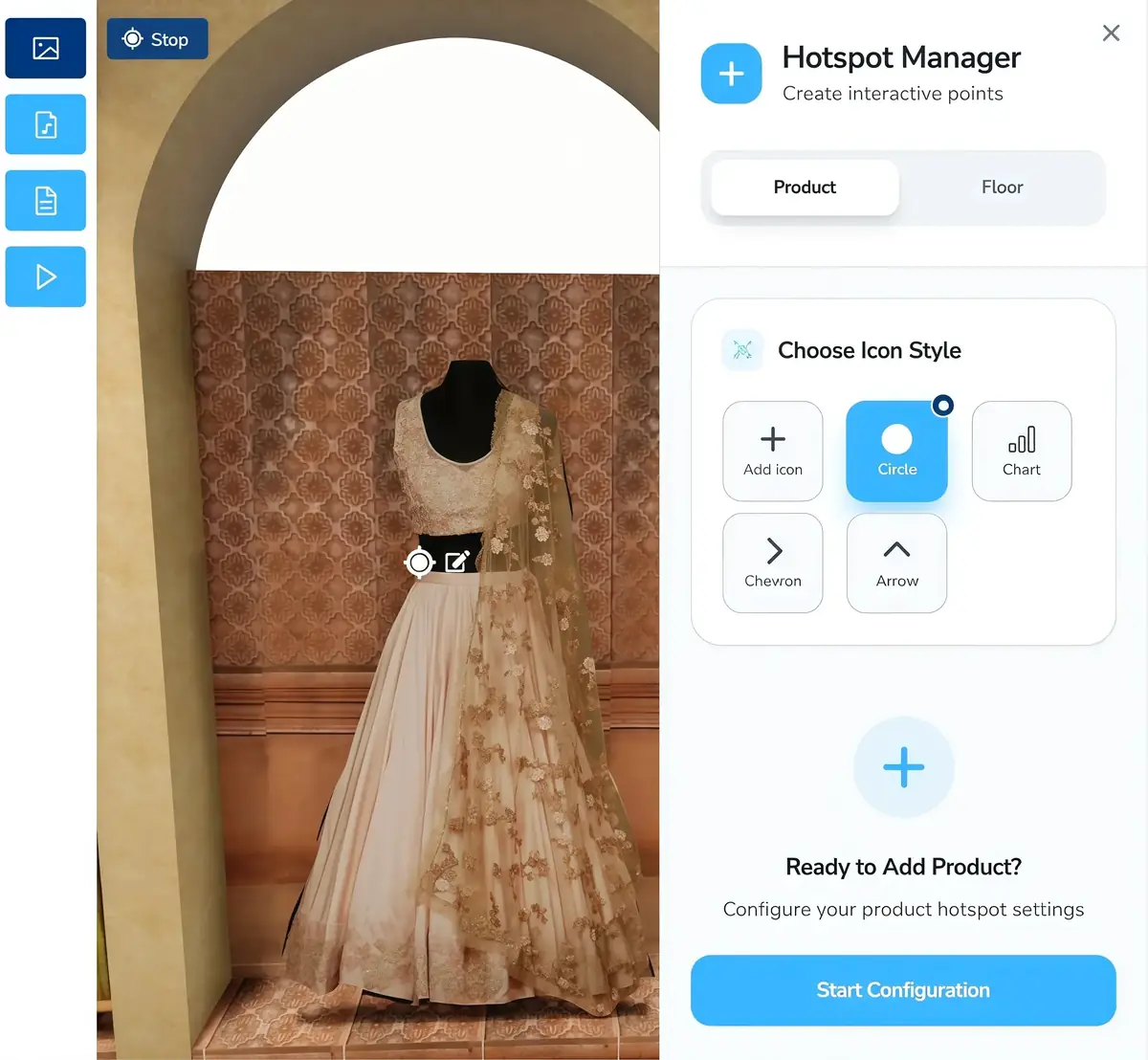
Link scenes so visitors move from the entrance to the balcony the way they would on foot.
Information hotspots
Pin text, images, links and video to anything in the scene.
Audio
Background sound or a narrated guide for each scene.
Floor plans and brochures
For real estate tours, a clickable floor plan and downloadable brochure.
Your logo
A logo on the floor of every scene, covering the tripod or your feet.
Lead forms and analytics
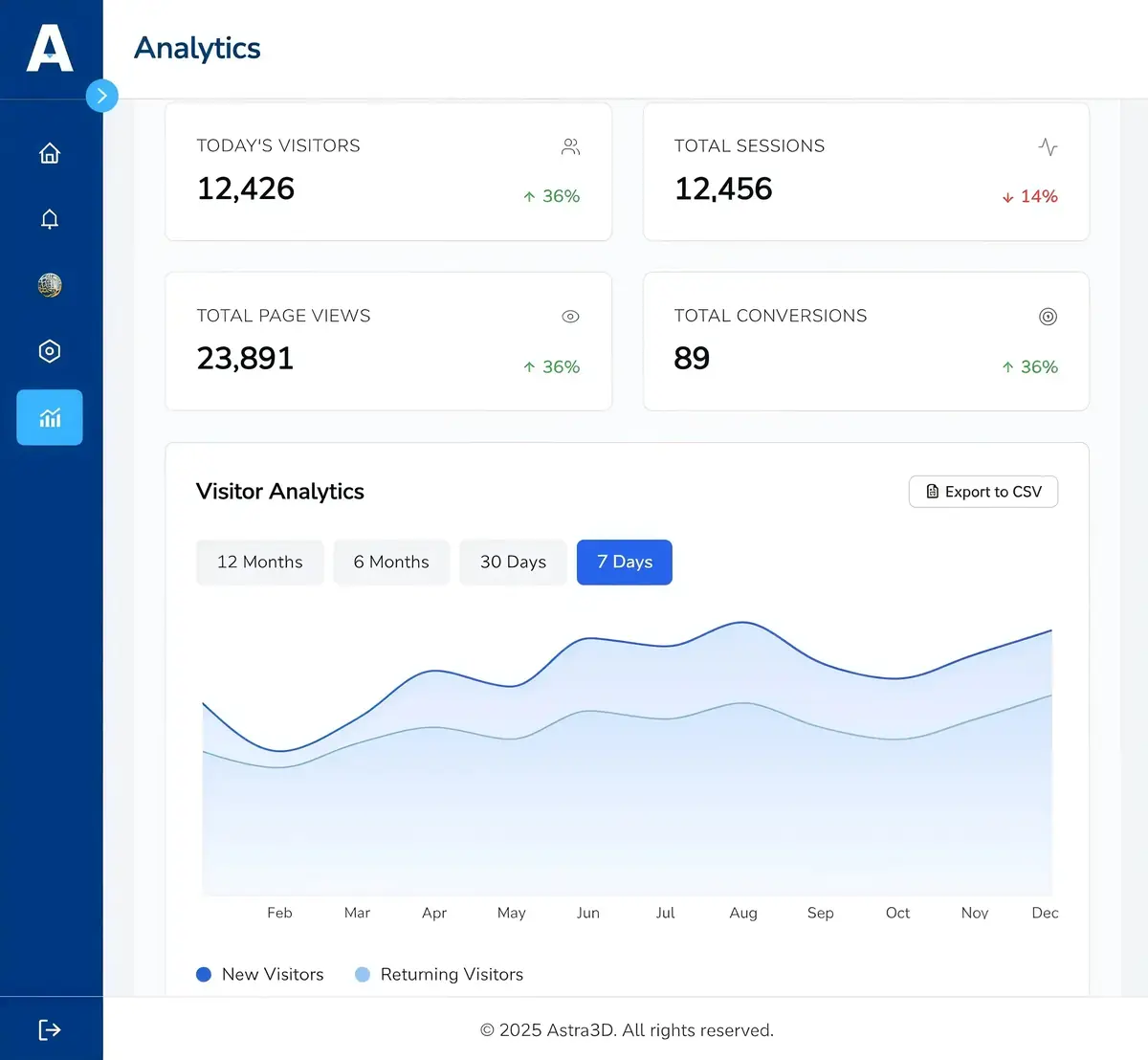
Capture enquiries inside the tour and see visits and time spent per tour.
Publish anywhere, keep your brand
Every tour gets a shareable link and an embed code for your website. On the Pro plan you can remove our branding and run the tour on your own subdomain, such as tour.yourbrand.com, with an SSL certificate issued for you.
- Shareable link and iframe embed
- Custom domain with automatic SSL
- Opens in browsers and VR headsets
From photos to a published tour
- 01
Capture or upload
Use AstraPano on your phone or upload 360 photos from any camera.
- 02
Arrange scenes
Order the rooms and set the starting view of each one.
- 03
Add hotspots
Connect scenes and pin information, media and links.
- 04
Publish
Share the link, embed it, or connect your domain.
Questions about virtual tours
What photos can I use?
Any equirectangular 360 photo with a 2:1 ratio, from a 360 camera, a drone, a rendering tool or AstraPano.
How many scenes can a tour have?
As many as your storage allows. Most homes need 6 to 15 scenes; showrooms and hotels often use more.
Can I edit a tour after publishing?
Yes. Changes appear on the live tour as soon as you save, and the link stays the same.